
Introducing Digital Self-Leveling for SeeSnake APX Cameras
A major firmware upgrade comes to SeeSnake APX cameras, bringing smoother, more intuitive in-pipe viewing than ever before.
With firmware update 2101.8.0, microREEL APX and microDRAIN APX cameras gain full Digital Self-Leveling (DSL) imaging. The result is a more stable, professional viewing experience that helps you stay oriented and focused on what matters inside the pipe. With no moving parts in the camera head, this is our most durable self-leveling SeeSnake camera yet.
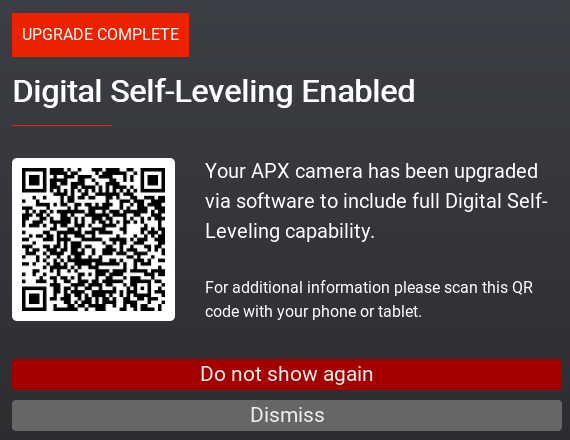
The Digital Self-Leveling Enabled confirmation screen after a firmware upgrade.
Applicable Products
This firmware update applies to:
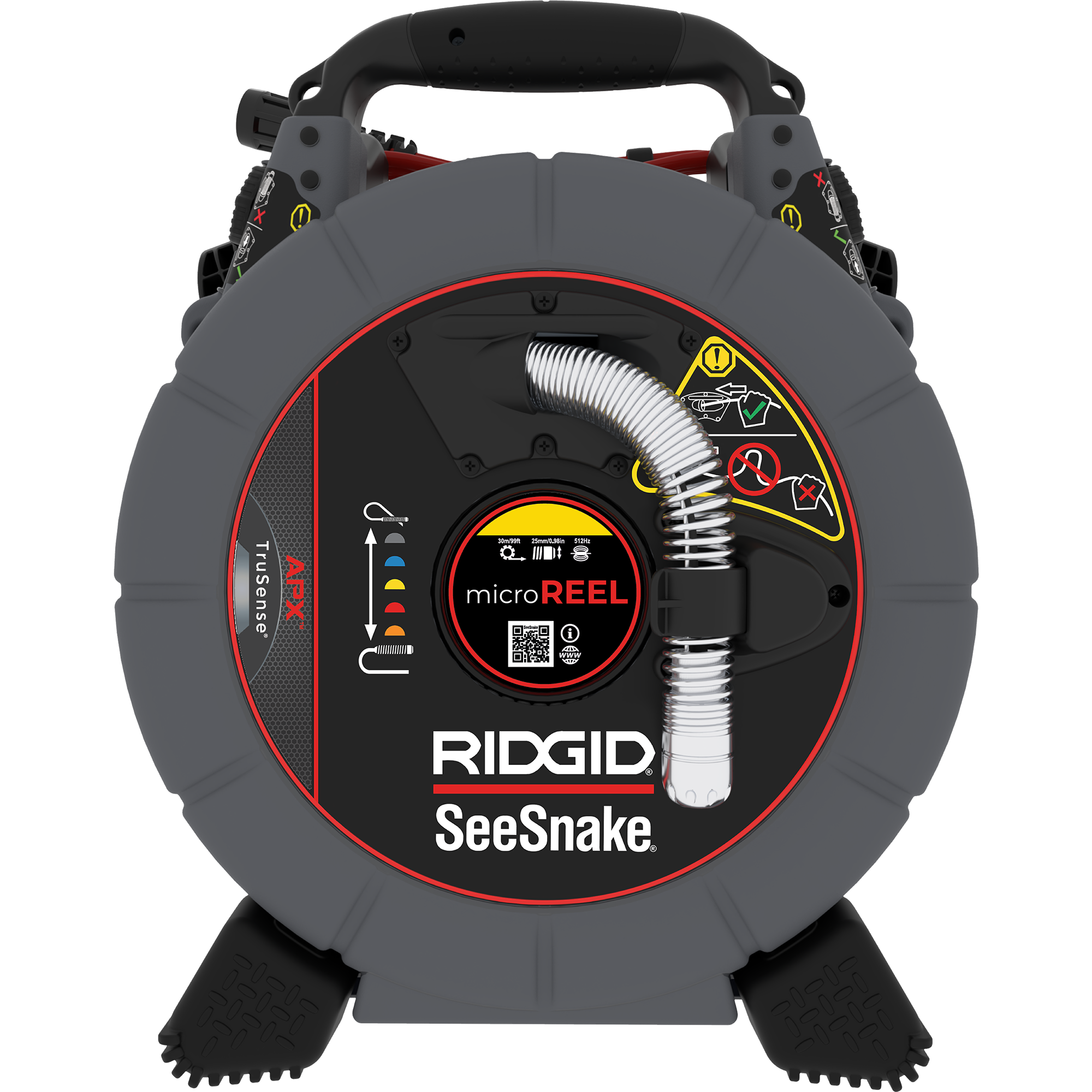
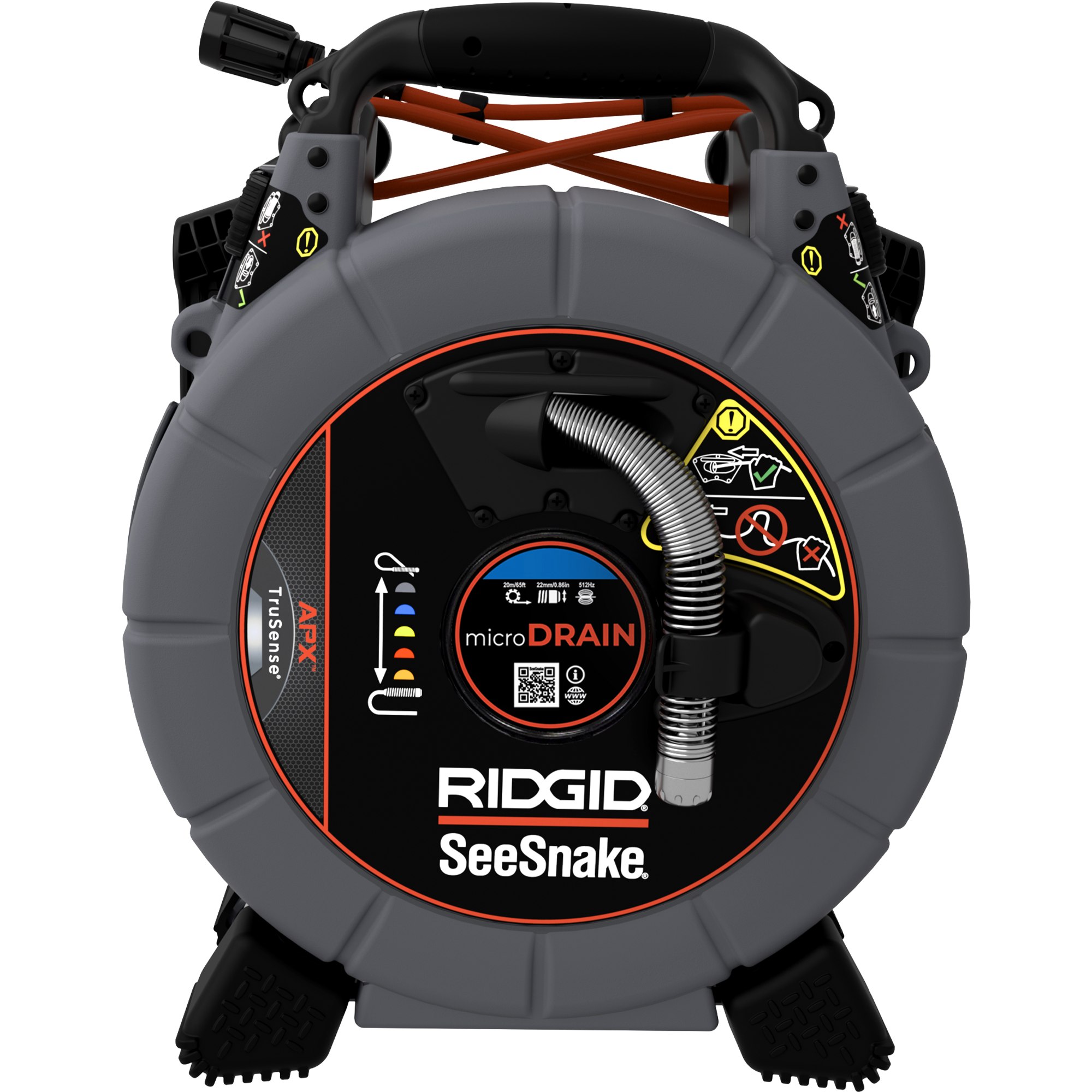
For general APX system information: SeeSnake APX
For more on Digital Self-Leveling technology: Digital Self-Leveling
From Auto Image Flip to Digital Self-Leveling
What’s changed?
- Auto Image Flip (previous):
Automatically flipped the image to keep it upright when the camera rotated through the pipe. - Digital Self-Leveling (new):
Continuously and smoothly levels the image in real time as the camera moves through the pipe, reducing abrupt transitions and delivering a more natural viewing experience.
Digital Self-Leveling (DSL) Menu Overview
After updating your firmware, you’ll find Digital Self-Leveling options in the TruSense settings on your CSx monitor.
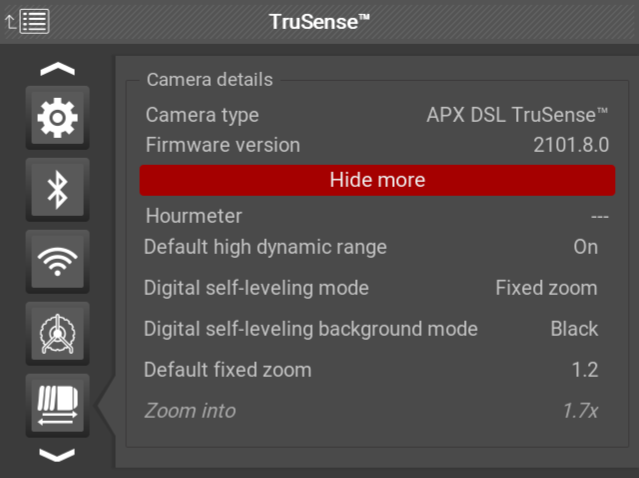
TruSense settings on the CSx monitor, showing Digital Self-Leveling (DSL) options.
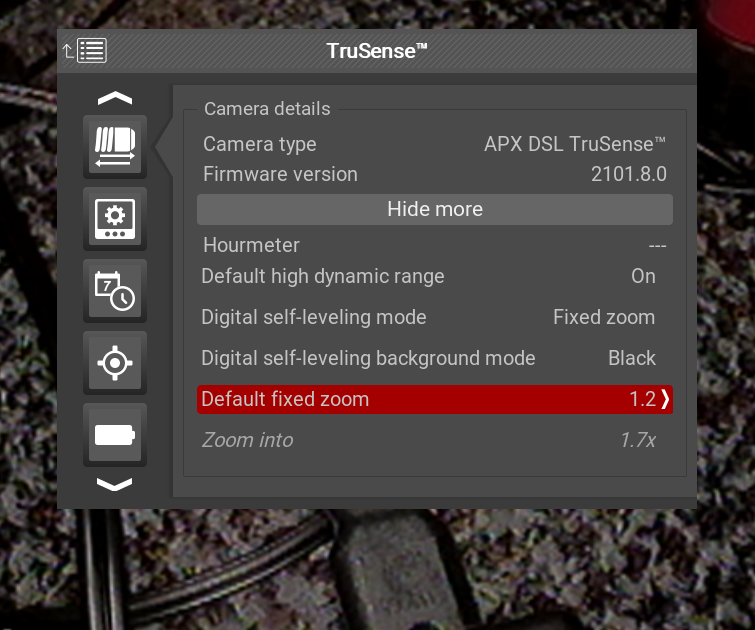
TruSense settings with the Default fixed zoom setting highlighted.
DSL Modes Explained
DSL Off
No digital self-leveling or zoom applied.
DSL Fixed Zoom
Provides continuous digital self-leveling with a user-selected zoom level.
- Keeps the image level at all times
- Zoom level can be adjusted using the on-screen Zoom Slider Bar
- Allows inspectors to balance field of view with image stability

The on-screen Zoom Slider Bar for adjusting zoom level during DSL Fixed Zoom mode.
Zoom level comparison:
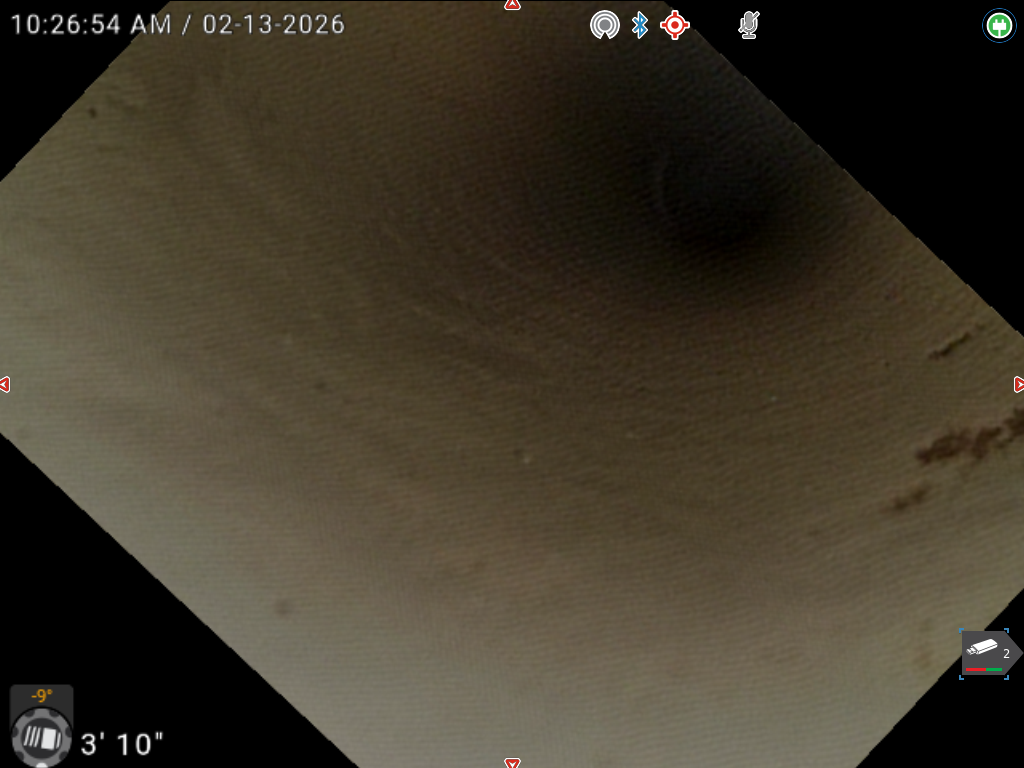
1.0x Zoom
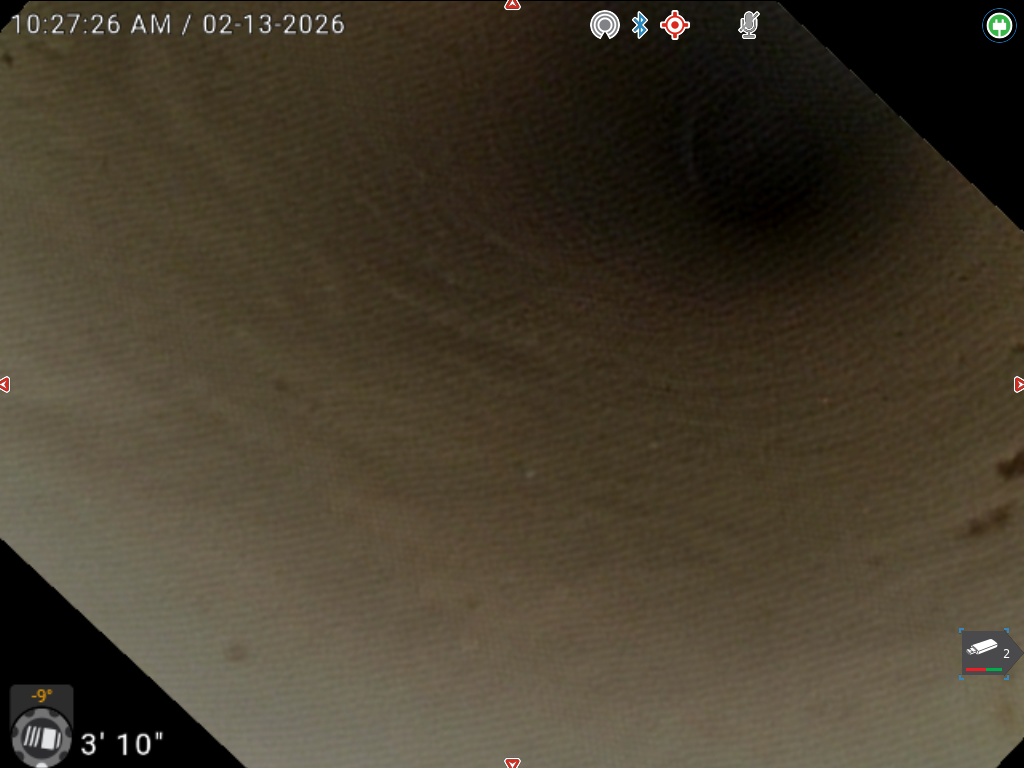
1.2x Zoom
*DSL Default Setting
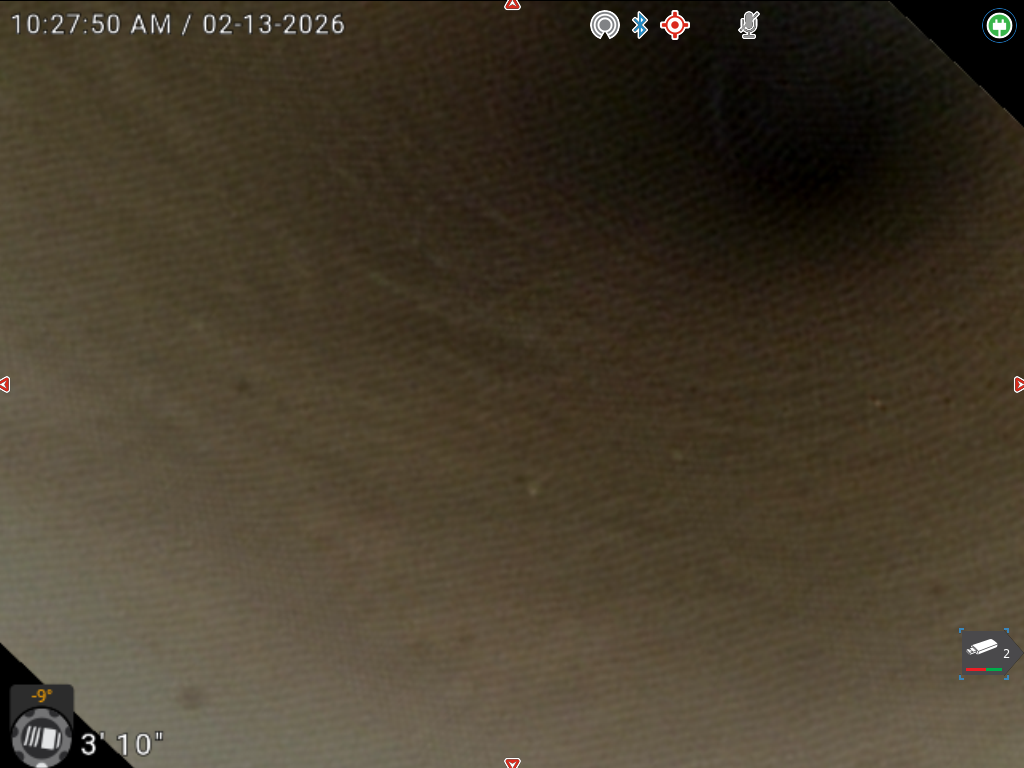
1.4x Zoom
As the zoom level increases, the leveled image fills more of the screen and the dark frame edges become less visible. Lower zoom levels preserve a wider field of view.
DSL Auto Zoom
Automatically applies the optimal zoom level to maintain a consistently leveled image as the camera rotates.
- No manual adjustment required
- Smooth, continuous leveling throughout the inspection