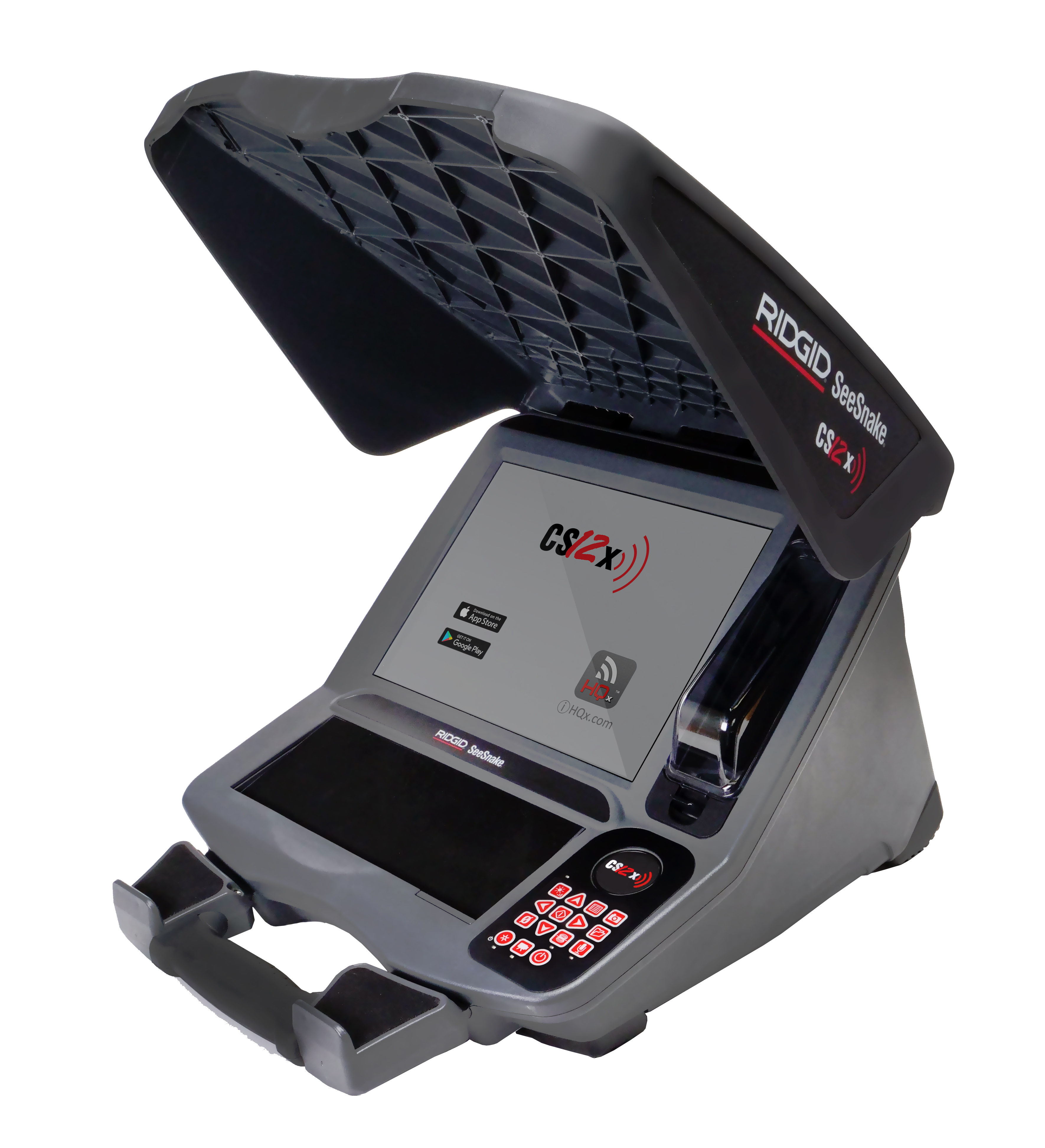
SeeSnake CS12x Version 2.22.18
Updates and Improvements
- Firmware update for TruSense cameras – After installing CSx software version 2.22.18 on your monitor, connect to a TruSense-enabled camera (firmware 2056 or higher) to apply TruSense firmware version 2101.8.0.
- Brings digital self-leveling to the microREEL and microDRAIN APX systems, upgrading them to the microREEL APX DSL and microDRAIN APX DSL
- Changes default DSL settings for all DSL cameras
- Removes software update modal that asks if the user would like to reboot now or later. New software will be installed on startup.