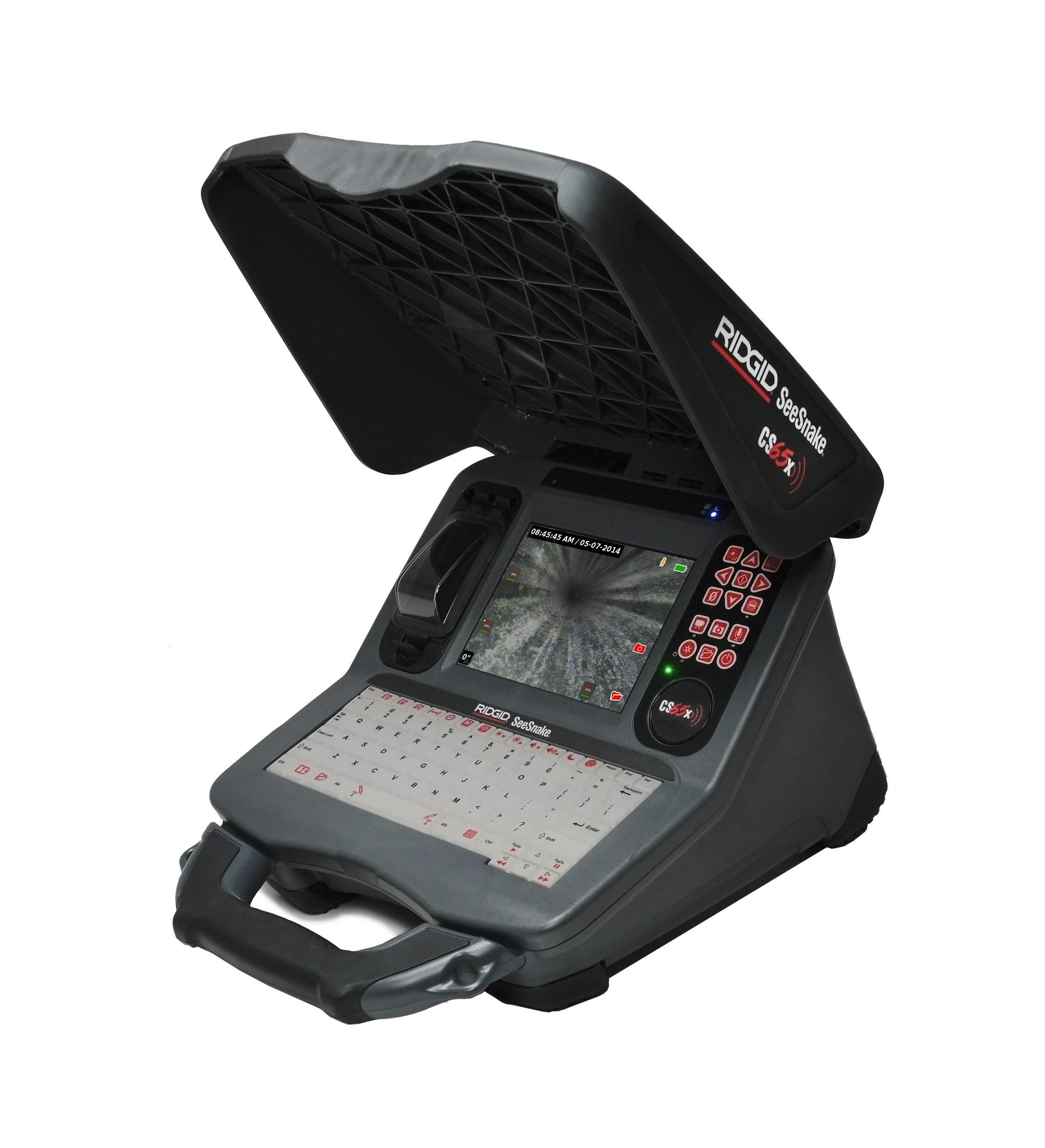
SeeSnake CS65x Version 2.22.18
Updates and Improvements
- Provides a firmware update for all SeeSnake TruSense-enabled cameras with version 2056 and above.
- After installing CSx software 2.22.18 onto your monitor, connect to a TruSense camera to update its firmware to version 2101.8.0.
- Camera Firmware 2101.8.0
- Supports new TruSense 2.0 Boards.
- Updates APX TruSense cameras to APX DSL.
- After the APX DSL update, a modal will appear with a QR code that will direct the user to the following support page: Introducing Digital Self-Leveling for SeeSnake APX Cameras.
- Changed default DSL settings:
- Default high dynamic range “ON”.
- Digital self-leveling mode “Fixed zoom”.
- Digital self-leveling background mode “Black”.
- Default fixed zoom “1.2”.
- Removed software update reboot modal that asks if the user would like to reboot now or later. This keeps the user from being interrupted when the background update completes.