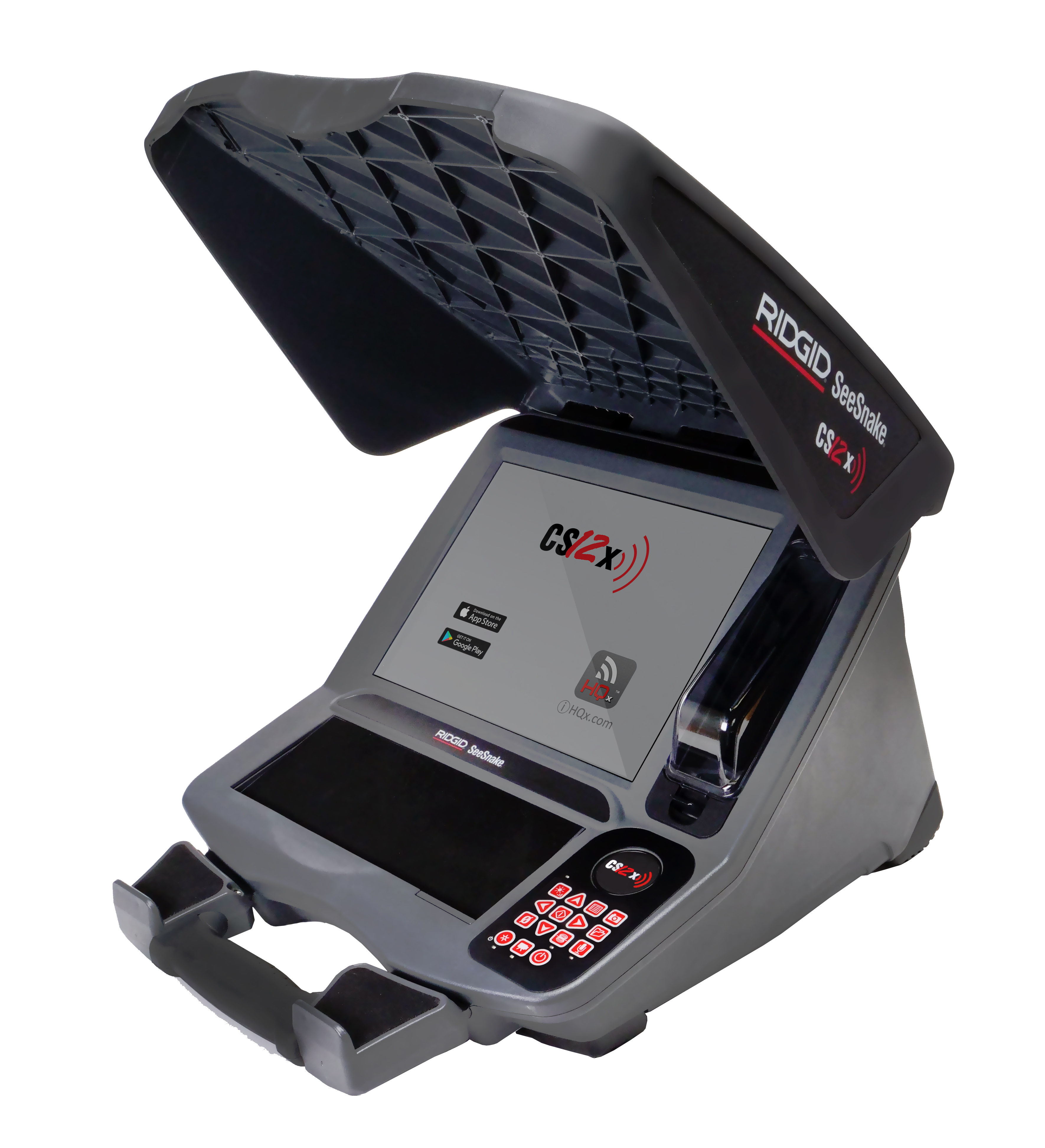
SeeSnake CS12x Version 2.20.17
Updates and Improvements
-
Introduces Auto Zoom-in: A new camera mode for digital self-leveling cameras that automatically zooms in based on the camera’s angle, delivering a smoother viewing experience. Accessible in the right Quick Access Menu by pressing the right arrow key.
-
Adds Image Enhance: A new filter for our video feed that sharpens the image quality of what’s being viewed in the pipe. Accessible in the bottom Quick Access Menu by pressing the down arrow key.