
Select Language

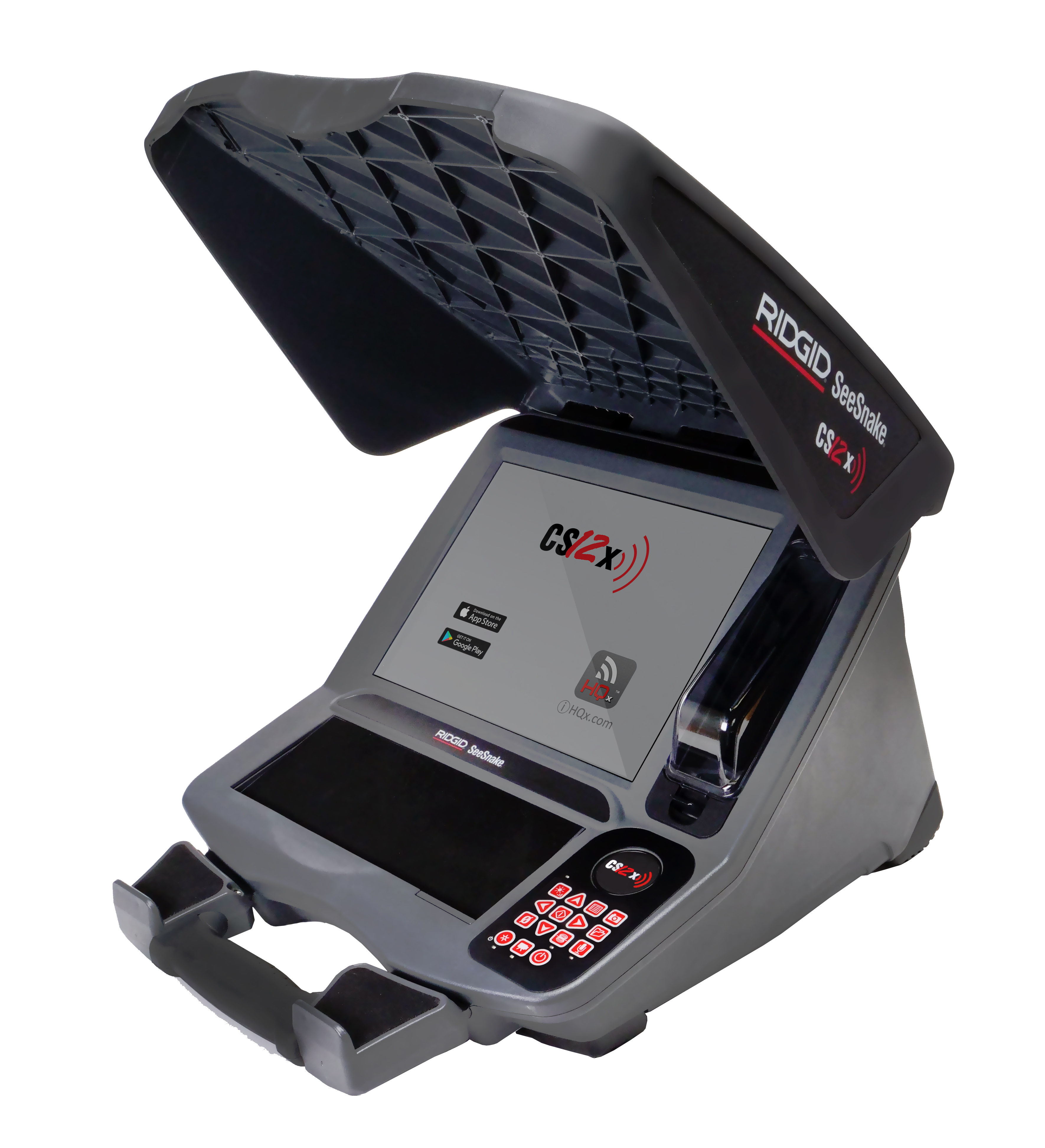
SeeSnake CS12x Version 1463

Updates and Improvements

  • Adds support for the SeeSnake microReel APX, including the Auto Image Flip feature. APX reels flip your onscreen image as the camera rotates through the pipe, ensuring your image remains oriented upright. An on-screen icon indicates the vertical orientation with respect to the image.
Support Topics


Capturing Media on the CS12x

How to take photos, capture PhotoTalk™ media, and record standard and Autolog video on the SeeSnake CS12x Wi-Fi enabled inspection monitor.

PhotoTalk Overview

How to capture PhotoTalk media on CSx Wi-Fi enabled monitors, the CS65, and the HQx Live mobile app.

Adding Inspector Information

How to save default inspector information to a RIDGID SeeSnake inspection monitor so you can quickly add it to reports.

Go to Top